
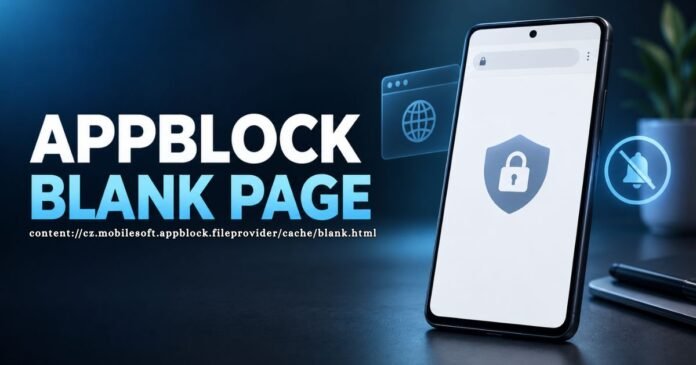

A white browser page is usually easy to ignore. It becomes more puzzling when the address bar is filled with something like content://cz.mobilesoft.appblock.fileprovider/cache/blank.html. The address looks complicated enough to raise questions, especially when it appears without any warning or explanation.
The short answer is that this is not a normal website. It is a local Android address connected with AppBlock, a screen-time app that can stop selected websites and applications from opening. The blank page is likely being used as a replacement for the site that AppBlock has blocked.
That does not mean the original website is broken. Your internet connection may also be working perfectly well. The restriction is happening on the phone itself, which is why refreshing the page often brings back the same white screen.
The Short Answer Behind the Blank Screen
AppBlock lets people set limits around the way they use their phones. You might choose to block social media while working, video platforms while studying or shopping websites late at night. These rules can start at a chosen time without asking for confirmation.
If you open a restricted link during that period, AppBlock steps in. Rather than letting the browser continue to the website, it can give the browser a small empty page to display. That is the white screen you are seeing.
This also explains why the problem may seem to fix itself later. Once the scheduled restriction ends, the same website may open normally again.
What content://cz.mobilesoft.appblock.fileprovider/cache/blank.html Points To
The beginning of the address offers the biggest clue. content:// is used by Android when information comes from an app or a system provider. A public web address, by comparison, would usually begin with https://.
The words mobilesoft.appblock.fileprovider identify the app involved. The remaining part, cache/blank.html, appears to point to a temporary blank HTML file. It is not the name of an online business, hidden website or search engine.
Because the file is associated with the device, entering the same address on a laptop will not lead to a useful webpage. It is meaningful mainly to Android and the applications that have permission to open it.
How an Ordinary Link Ends Up Here
Suppose you have set AppBlock to restrict YouTube from 9 a.m. until midday. At 10:30 a.m., someone sends you a YouTube link in a message. You tap it, the browser opens, and then AppBlock replaces the video page with its blank file.
A keyword rule can create a similar situation. If a common term has been added to the blocked list, AppBlock may stop more websites than you intended. The page you wanted could be completely harmless but still contain that word in its address.
The browser’s behaviour can make the situation look more dramatic than it is. You may see part of the original page for a moment before it disappears. On another browser, you might see only the blank screen from the start.
Practical Fixes and Common Questions
Begin inside AppBlock rather than changing random browser settings. Look at Quick Block, scheduled profiles and keyword restrictions. If the wrong site has been included, remove it and then reopen the browser.
Clearing the browser cache may remove an old page, but it will not cancel an active AppBlock rule. If Strict Mode is running, you may have to wait until the session ends before changes are allowed.
Conclusion
The appearance of content://cz.mobilesoft.appblock.fileprovider/cache/blank.html usually has a simple explanation: AppBlock has stopped a website and given the browser a local blank page instead. It is generally a sign of an active restriction, not evidence that the website has disappeared or the phone has been attacked. Checking schedules, Quick Block and keyword rules should reveal what caused it.
Frequently Asked Questions
Is the address dangerous?
By itself, no. It normally points to a local file used by AppBlock.
Is it a real internet link?
No. It is an Android content address rather than a public webpage.
Why does refreshing not solve it?
Refreshing repeats the request, but the same AppBlock restriction stops it again.
Should I delete blank.html?
There is usually no reason to delete it. Change the blocking rule that caused it to appear.
What if I have never installed AppBlock?
Check the full application list in Android settings and use the phone’s built-in security scan.